Best Digital Products to Sell in 2027 for Beginners (With Real Costs)
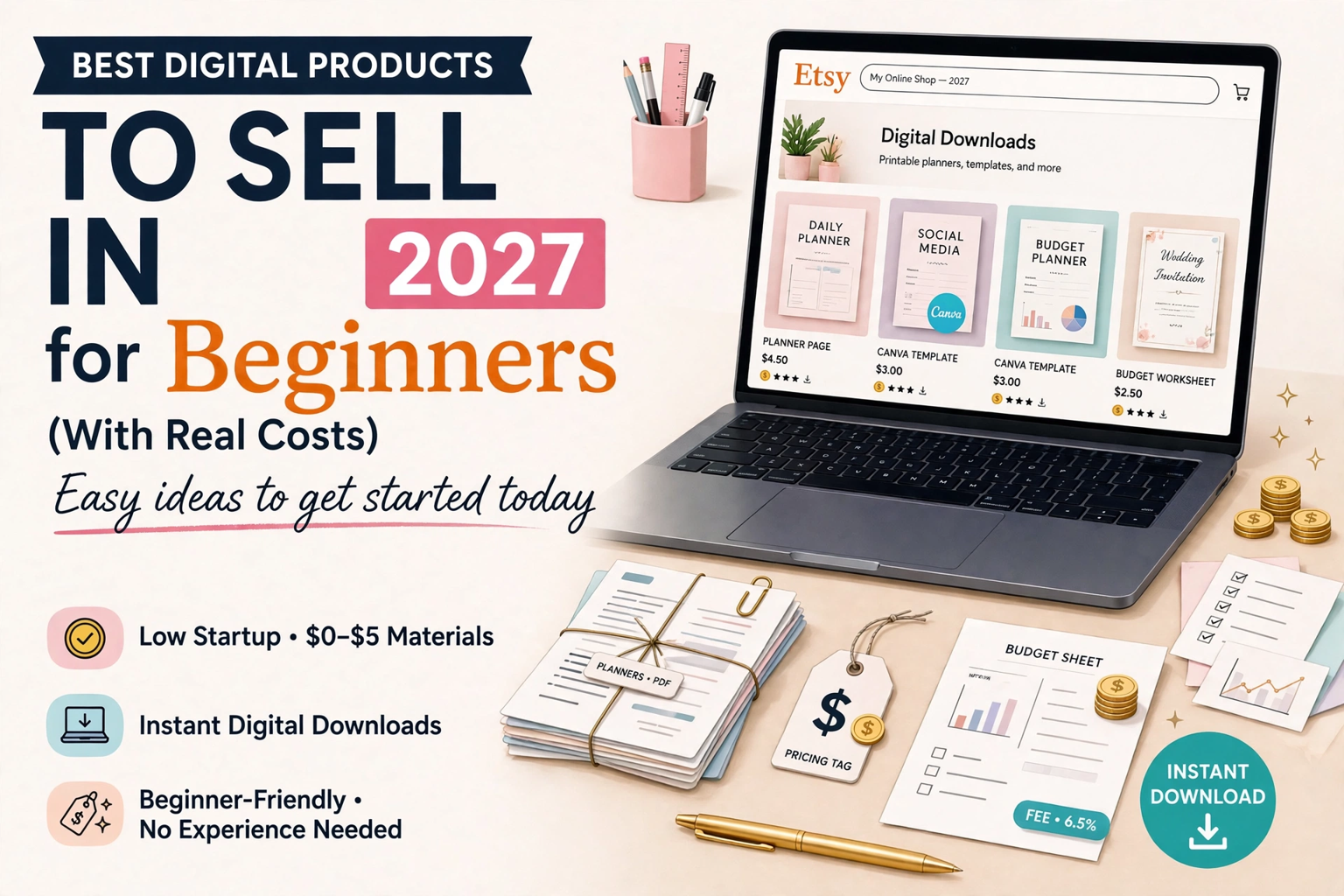
Beginner-friendly digital products to sell in 2027, with real startup costs, price ranges and first steps — so you can pick one product and start, instead of guessing from a long list.
If you are starting from zero, the hardest part is not making a digital product. It is choosing one. A long list of "best sellers" helps you see what is popular, but it does not tell you what you should make first, what it will cost, or whether you have the skills for it yet.
This guide fixes that. Every idea below comes with a realistic price range, what it actually costs to start, how hard it is for a beginner, and one concrete first step. Pick one row, not all of them.
If you want the Etsy-only best-seller picture first, start with our guide to best-selling digital products on Etsy in 2027. This post is the next step after that: choosing your first product.
How to choose your first product: 3 filters
Use these three filters before you fall in love with an idea.
- Can you make it with tools you already have? If it needs paid software, a new skill and a designer, it is not a good first product. Canva's free tier is enough for most beginner templates and planners.
- Is the buyer specific? "A planner" is too broad. "A weekly planner for teachers" or "a budget planner for freelancers" is a product someone can recognise as made for them.
- Can you explain it in one sentence? If you cannot, a buyer scrolling Etsy will not understand it either.
If an idea fails any filter, put it on a later list. Your first product should be small, specific and finishable in days, not weeks.
7 beginner products, with real costs
Prices below are the market ranges DigiDown's 2026 market check found for these categories — not a promise of what you will earn. Your actual income depends on your listing, traffic and reviews, which take time to build.
| Product | Typical price | Cost to start | Beginner difficulty | Best first step |
|---|---|---|---|---|
| Digital planner (weekly / monthly) | $8–25 | Free with Canva free; optional Canva Pro later | Medium | Make one weekly spread, not a 200-page planner |
| Canva social media templates | $5–49 for packs; singles at the low end | Free with Canva free | Easy–Medium | Make a 10-post pack in one niche, e.g. for small shops |
| Budget / finance worksheet | $5–20 | Free; a spreadsheet or Canva | Easy | Make a one-month budget sheet and test it on your own money first |
| Educational worksheet pack | $3–15 per small pack | Free with Canva free | Easy | Make 3 worksheets for one topic, not a whole curriculum |
| Business / freelancer templates (invoice, price list, onboarding) | $6–35 | Free with Canva free | Medium | Start with one document freelancers actually ask for: an invoice |
| Short e-book / mini-guide | $7–25 | Free; time is the real cost | Medium | Write the 10-page version first, then expand only if it sells |
| Printable wall art / SVG files | Varies, often $5–40 | Free tools exist, but design skill matters more here | Harder for a true beginner | Only pick this if you already design — otherwise skip it for now |
What it really costs to start
For most of the ideas above, the money cost of the first product is close to zero. The real costs are different, and beginners usually underestimate them:
- Your time. A clean, tested template takes longer than a quick design. Budget a few focused sessions, not one evening.
- Platform fees. You do not keep the full sale price. On a $20 digital sale, DigiDown's fee comparison shows you would keep about $18.50 on Etsy before payment processing, about $17.50 selling direct on Gumroad, and about $14.00 through Gumroad Discover. Read the full breakdown in Etsy vs Gumroad for digital products before you price anything — a $5 product with fees and your time in it is a very different business from a $25 bundle.
- Listing and learning costs. Etsy charges per listing, and every platform takes a cut. Price for the fee, not just for the design.
- A free sample. A small free version — like DigiDown's free Budget Planner Pro — costs you nothing to offer and is often what gets a first buyer to trust a new shop. Do not skip this because you want to charge for everything at once.
A good rule for a first product: if you cannot make it, list it and explain it without buying anything new, it is the right first product.
What we recommend you start with
If you have no product yet, start with one template or planner for one specific buyer. That is where DigiDown's own traffic already points: template how-tos are its biggest search demand, and planners are its existing product strength.
Concretely: pick one buyer (for example, a teacher, a freelancer, or a new seller), make one small pack for them, and learn how to make a template properly with our step-by-step Canva template tutorial before you expand into a bundle. A bundle is a second product, not a first one — it only works once you know which single template buyers actually want.
What NOT to start with (yet)
- Everything at once. Ten half-finished products do not beat one finished, well-listed product.
- A category you have no experience in just because it sells. SVG files, wall art and wedding templates sell in the wider market, but DigiDown's plan deliberately leaves them out for now: with no content, assets or authority there, starting them would spread a small new site even thinner.
- A product with no buyer in mind. "For everyone" is not a niche, it is a reason a listing gets ignored.
Your 7-day starter plan
- Day 1: Pick one buyer and one product from the table above.
- Days 2–3: Make the product in Canva. Keep it clean and consistent.
- Day 4: Test it yourself — print it, fill it in, or open it as a buyer would.
- Day 5: Write the listing title around what the buyer searches for, not around your design process.
- Day 6: Price it using the fee comparison above, so you know what you keep.
- Day 7: Publish it, plus a small free sample or preview, and note the first questions buyers ask — those questions are your next product idea.
FAQ
Do I need Canva Pro to start selling digital products?
No. Canva's free tier covers most beginner templates and planners. Upgrade only when a specific feature you need is behind Pro — not before your first sale.
How much money do I need to start?
For most beginner templates, close to zero in tools. Your main investment is time, plus small platform and listing fees once you sell. Price with those fees in mind from the start.
Etsy or Gumroad for a first product?
Etsy gives you built-in buyer traffic but takes fees and is crowded; Gumroad direct keeps more per sale but you must bring your own traffic. The fee comparison above — and which audience you can already reach — should decide it, not a general "best platform" claim.
How many products do I need before I make a sale?
There is no fixed number, and anyone promising one is guessing. One clear, well-listed product aimed at a specific buyer beats a shop full of unfocused listings. Start with one, learn from it, then make the second.