Digital Products
How to Create and Sell Digital Products Online: A Beginner's Guide
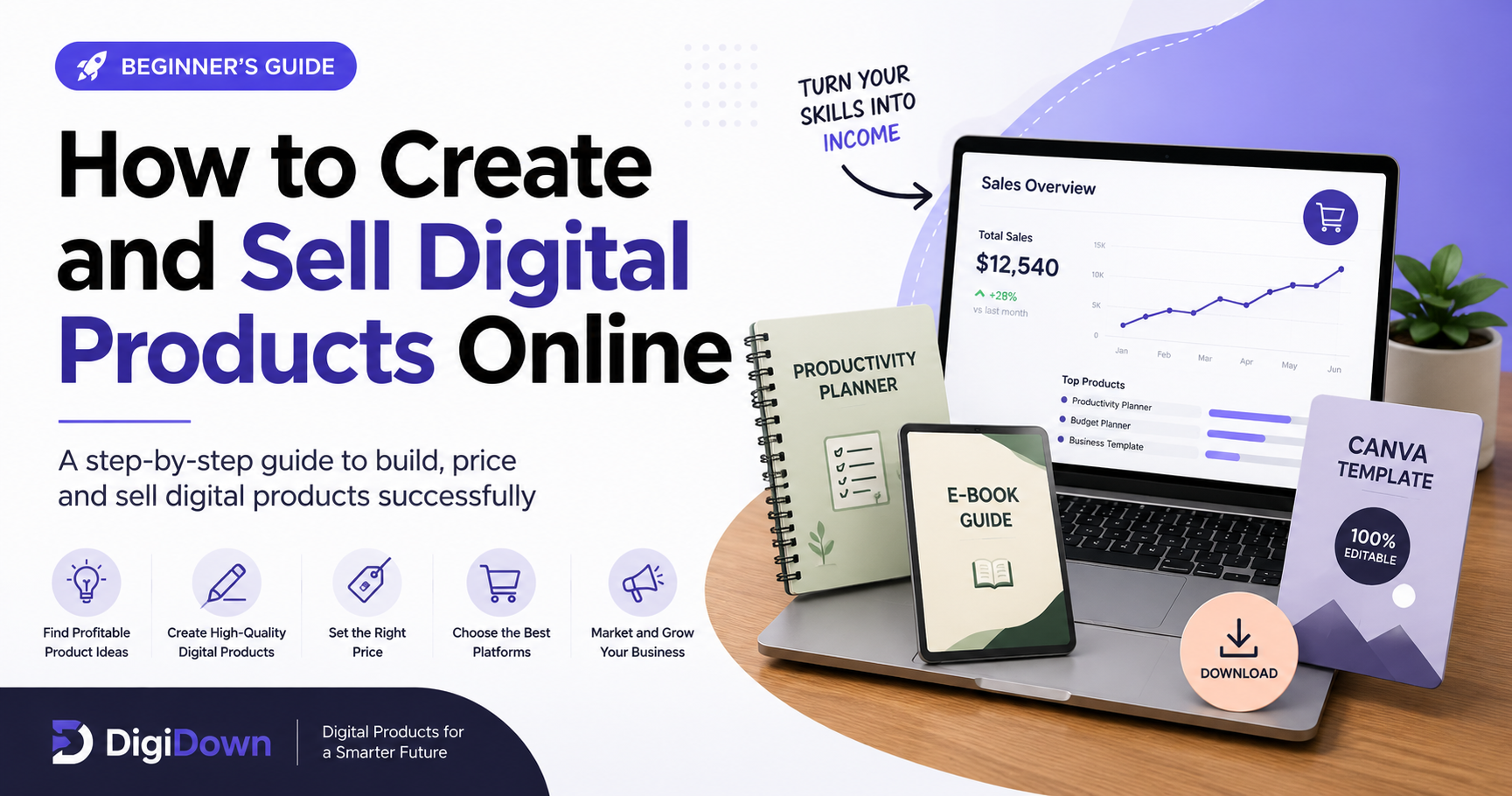
Learn how to create and sell digital products online with this beginner-friendly step-by-step guide. Discover profitable product ideas, creation tools, pricing strategies, online marketplaces, marketing methods and practical tips for building a digital product business.
How to Create and Sell Digital Products Online
Digital products have become a popular way for creators, freelancers, teachers, designers and online entrepreneurs to build an internet-based business. Unlike physical products, digital products do not require inventory, packaging or traditional shipping. Once a useful digital product is created, it can potentially be sold multiple times with relatively low delivery costs.
However, creating a digital product is only one part of the process. To build a sustainable digital product business, you need to choose the right product idea, understand your target audience, create something genuinely useful, price it correctly and promote it where potential customers can discover it.
In this beginner-friendly tutorial, you will learn how to create and sell digital products online step by step, including product research, creation, pricing, selling platforms, marketing and common mistakes to avoid.
What Are Digital Products?
Digital products are products that are created, delivered and consumed electronically. Customers normally receive them through a download link, email, cloud storage or an online platform after purchasing.
Some popular examples of digital products include:
- Canva templates
- Printable planners
- Worksheets and educational resources
- SVG and digital cut files
- Clipart and graphics
- Resume and CV templates
- Business templates
- Social media templates
- Notion templates
- Spreadsheets and calculators
- Ebooks and guides
- Digital journals
The best digital products usually solve a specific problem or help a specific type of customer save time, organize information, learn something or complete a task more easily.
Step 1: Choose a Profitable Digital Product Idea
The first step is choosing what you want to create. Many beginners make the mistake of starting with a product simply because they personally like it. A better approach is to find a problem that people already want to solve.
For example, instead of creating a generic planner, you could create a weekly meal planner for busy families. Instead of creating a generic social media template, you could create a 30-day Instagram content template pack for small businesses.
Specific products are often easier to explain and market because the potential buyer immediately understands what the product is designed to help them accomplish.
Questions to Ask Before Creating a Product
- Who is going to buy this product?
- What problem does it solve?
- How much time can it save the customer?
- Is the customer already searching for this type of resource?
- Can I make the product easier or more useful than existing alternatives?
- Can I create additional products for the same audience?
These questions can help you avoid spending hours creating a product that has little demand.
Step 2: Research Your Target Audience
Once you have a product idea, research the people who might buy it. Understanding your target audience can improve almost every part of your product, including its design, features, price, title and marketing message.
Look at marketplaces, search engines, social media platforms and online communities to understand what customers are asking for. Pay attention to common problems, frequently requested features and complaints about existing products.
For example, if you are creating educational worksheets, you might discover that teachers want resources that are easy to print, visually attractive and suitable for a specific age group. That information can influence the way you design your product.
The goal is not to copy another seller. Instead, use market research to understand customer needs and create your own original solution.
Step 3: Create Your Digital Product
After researching the market, start creating the actual product. Choose a tool that matches the type of product you are making.
For example, graphic designers may use professional design software, while beginners can use simple online design tools for templates, worksheets and printable products. Spreadsheet products can be created with spreadsheet software, while ebooks can be created using document editing tools.
Focus on usefulness before adding unnecessary design elements. A beautiful product is helpful, but customers ultimately want something that works.
Make Your Product Easy to Use
A good digital product should have clear instructions when necessary. If the customer needs to edit a template, explain how to access and customize it. If the product contains printable pages, provide information about recommended paper size and printing settings.
You can also include a short instruction guide or bonus file. This can improve the customer experience and make the product feel more complete.
Step 4: Create Professional Product Images
Product presentation is extremely important when selling digital downloads online. Customers cannot physically touch or examine a digital product before purchasing, so your product images need to communicate its value clearly.
Create a strong main thumbnail that immediately explains what the product is. Then add additional preview images showing important pages, features, templates or examples.
For example, if you are selling a printable planner, your images could show:
- The planner cover
- A weekly planning page
- A monthly planning page
- A habit tracker
- A close-up of important sections
- An example showing how the planner can be used
Use clear typography, consistent branding and realistic previews. Avoid filling every image with too much text.
Step 5: Choose the Right File Format
The file format depends on the type of digital product you are selling. PDF is commonly useful for printable resources and guides, while PNG, SVG and JPG files can be suitable for graphics and design assets.
If your product is editable, make sure customers receive the correct editable file or access instructions. Always test your files before publishing the product.
Open the files yourself and check that fonts, images, links and layouts work correctly. A simple quality-control check can prevent many customer complaints.
Step 6: Set a Competitive Price
Pricing your digital product can be difficult when you are starting out. Avoid choosing a price simply because another seller uses it. Instead, consider the value of the product, the amount of work involved, the target customer and the usefulness of the resource.
A simple product with only a few pages may need a lower price than a large bundle containing dozens or hundreds of useful resources.
You can also create different product levels. For example, you could offer a small starter product, a larger bundle and a premium collection.
This gives customers multiple options while allowing you to increase the average value of each purchase.
Step 7: Choose Where to Sell Digital Products
You can sell digital products through marketplaces, creator platforms or your own website. Each option has advantages and disadvantages.
Marketplaces can provide access to existing audiences, while your own website gives you more control over branding, content, SEO and customer experience.
A website can also work as a central hub where you publish tutorials, blog articles, free resources and paid products. This combination can help attract visitors through search engines and turn them into potential customers.
Step 8: Create Free Resources to Attract Visitors
One useful strategy for a digital product website is offering selected free resources. A free template, checklist, worksheet or mini guide can give visitors a reason to discover your website.
Free resources can also help build trust. Someone who downloads a useful free resource may later become interested in your paid products.
For example, you could offer a free weekly planner and then recommend a larger premium planner bundle.
This creates a natural path from free resource → useful experience → related paid product.
Step 9: Use Content Marketing and SEO
Search engine optimization can be particularly valuable for digital product businesses because people regularly search for solutions to specific problems.
Instead of publishing only product pages, create helpful content around the problems your products solve.
For example, if you sell productivity templates, you could publish tutorials such as:
- How to Create a Weekly Productivity System
- How to Plan Your Week Effectively
- Best Digital Planning Tools for Beginners
- How to Create a Printable Planner
- How to Organize Your Daily Tasks
These articles can attract people who are searching for information and introduce them to your related digital products.
Step 10: Promote Your Digital Products
Creating a great product does not guarantee sales. People need to discover it first.
Use channels that match your target audience. Depending on your niche, these may include search engines, Pinterest, social media, email marketing, online communities and content marketing.
When promoting a product, focus on the problem it solves rather than simply saying that the product exists.
For example, instead of writing "Buy my planner", explain how the planner can help someone organize their week, track important tasks and reduce planning time.
Common Digital Product Mistakes to Avoid
Beginners often make a few predictable mistakes when starting a digital product business.
- Creating without researching demand: A product may look attractive but still have little demand.
- Targeting everyone: A specific audience is usually easier to understand and market to.
- Using poor-quality previews: Product images strongly influence first impressions.
- Ignoring instructions: Customers need to understand how to use or edit the product.
- Creating too many unrelated products: Building a focused product catalog can make marketing easier.
- Ignoring SEO: Helpful search-focused content can bring long-term organic traffic.
- Giving up too early: A digital product business often requires testing, improving and publishing consistently.
How to Build a Long-Term Digital Product Business
Once you have your first product, do not stop there. Look for related products that serve the same audience.
For example, if your first product is a social media content planner, you could later create social media post templates, caption templates, content calendars and marketing checklists.
This creates a product ecosystem where multiple products serve the same customer.
You can also improve existing products based on customer feedback. Updating instructions, adding useful features or improving the design can make an existing product more valuable.
Final Thoughts
Learning how to create and sell digital products online does not require you to build a huge catalog immediately. A better approach is to start with one useful product, understand your audience, test the market and improve your process over time.
Focus on solving a real problem rather than simply following trends. Create products that are easy to understand, professionally presented and genuinely useful. Then use SEO, tutorials, free resources and other marketing channels to help potential customers discover your work.
The most important step is to start. Your first product may not be perfect, but the experience you gain from researching, creating, publishing and marketing it can help you build better products in the future.
Ready to explore more digital resources? Browse DigiDown for useful templates, free resources, tutorials and practical digital products designed to help you save time and get more done.
Related Reading
- Best Digital Products to Sell in 2027 for Beginners — start with an idea that already has demand.
- Etsy vs Gumroad for Digital Products (2027) — pick the right platform before you list.
- Free Budget Planner Pro — see a finished digital product and download it free.