Digital Products
How to Sell Canva Templates Online in 2026: A Beginner-Friendly Guide
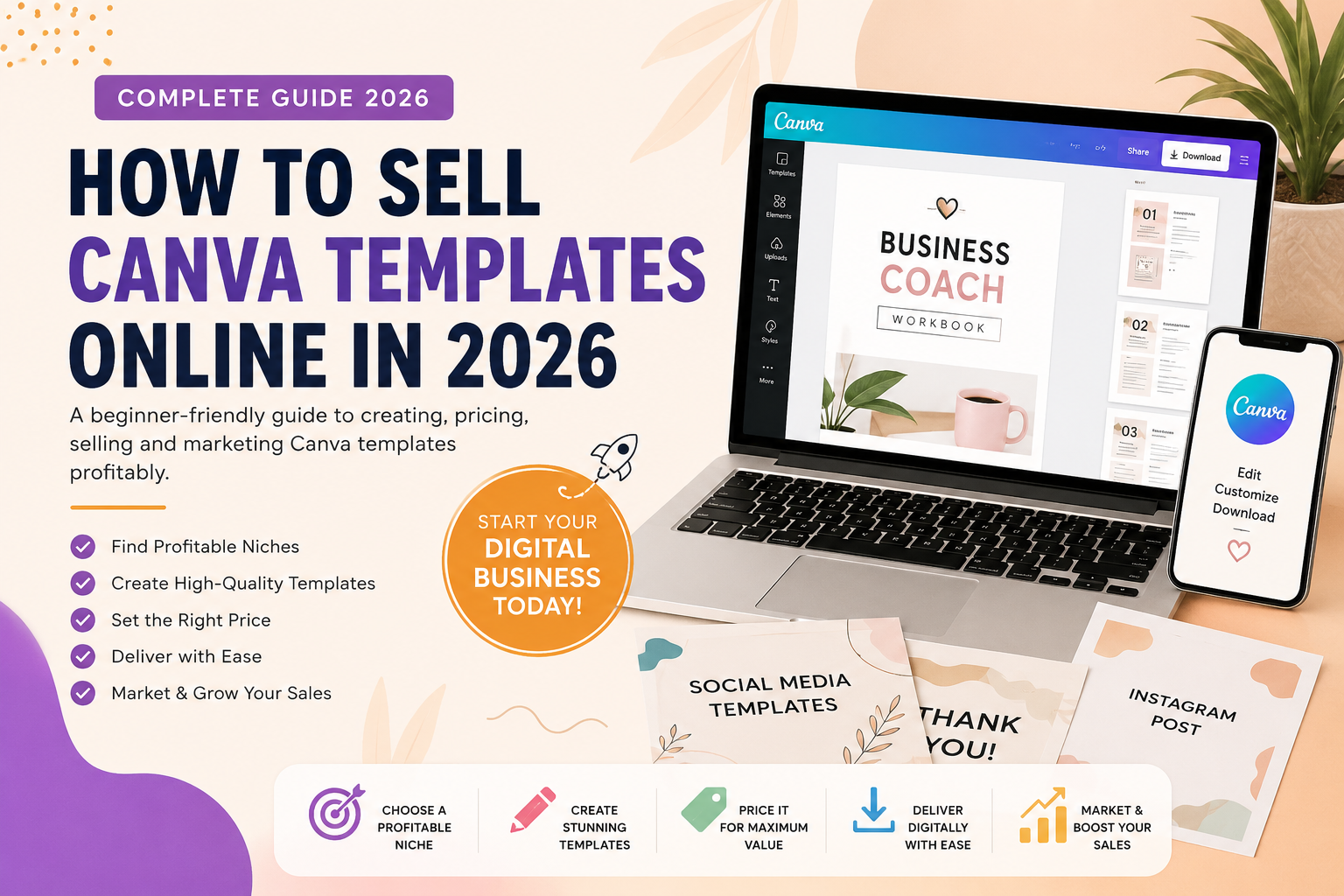
Learn how to sell Canva templates online in 2026 with this beginner-friendly guide. Discover profitable niches, create useful templates, set prices, prepare digital delivery, market your products, and build a sustainable Canva template business.
Canva templates have become a practical digital product for creators who want to build an online business without dealing with physical inventory, packaging, or shipping. A well-designed template can be created once and sold repeatedly, while customers can customize it for their own needs.
If you're wondering how to sell Canva templates online, the process becomes much easier when you break it into a few clear stages: choose a profitable niche, create a useful template, prepare the delivery files, choose where to sell, optimize your product listing, and promote your work.
This beginner-friendly guide walks you through the complete process of creating and selling Canva templates online in 2026.
What Are Canva Templates?
Canva templates are pre-designed layouts that customers can customize inside Canva. Instead of creating a design from scratch, the buyer can open the template and change elements such as text, colors, fonts, images, branding and other editable details.
Templates can be created for many different purposes, including business, education, marketing, productivity, events and personal organization.
- Instagram post templates
- Pinterest templates
- Resume templates
- Business planners
- Social media calendars
- Presentation templates
- Worksheets
- Invitations
- Checklists
- Media kits
- Workbooks
- Content planners
The important thing is that you're not simply selling a collection of attractive graphics. You're selling a shortcut to a useful outcome.
Why Sell Canva Templates?
One of the biggest advantages of digital templates is that there is no physical fulfillment. Once your product is created and properly delivered, customers can purchase it and access the files without you having to print or ship anything.
This makes templates an attractive option for beginners because the basic business model can be simple:
Create → List → Promote → Sell → Deliver digitally
However, this doesn't mean every template will sell automatically. Successful products generally solve a specific problem for a specific audience.
For example, instead of creating a generic Social Media Template Bundle, you could create:
30 Instagram Templates for Real Estate Agents
The second product immediately tells the customer what the product is, who it is for and what problem it can help solve.
That specificity can make your product much easier to market.
1. Choose a Specific Canva Template Niche
Before opening Canva, decide who you're creating for.
A common beginner mistake is designing something that could theoretically be useful to everyone. Instead, start with one clearly defined audience.
Business
- Coaches
- Consultants
- Realtors
- Freelancers
- Small businesses
- Online service providers
Education
- Teachers
- Homeschooling parents
- Tutors
- Students
- Preschool educators
Personal Organization
- Busy parents
- Students
- Professionals
- Entrepreneurs
Events
- Birthday parties
- Weddings
- Baby showers
- Graduation events
Content Creation
- Bloggers
- YouTube creators
- Instagram creators
- Podcasters
- Pinterest creators
The more clearly you define the customer, the easier it becomes to decide what template to create.
2. Find a Problem Worth Solving
Don't start by asking, "What template can I design?"
Start by asking:
"What does my target customer need help doing?"
For example, a small business owner might need to:
- Create social media posts
- Promote a new product
- Announce a sale
- Share customer testimonials
- Create a professional presentation
A teacher might need:
- Worksheets
- Lesson planners
- Classroom labels
- Activity sheets
- Certificates
- Parent communication templates
This approach gives you a much stronger product idea because the template is built around a real need.
A good template should save the customer time, effort or design work.
3. Research Existing Products
Before spending hours designing, research what customers are already looking for and what competing products offer.
Look at relevant marketplaces, search results and product pages in your chosen niche.
Pay attention to:
- Product titles
- Number of pages or templates
- Design styles
- Pricing
- Preview images
- Customer reviews
- Frequently requested features
- Problems customers mention
Don't copy another seller's design. Instead, look for opportunities to create something more useful, clearer, better organized or more specific.
For example, if existing products contain 20 generic Instagram templates, you could create a focused product with 50 Instagram templates specifically for coaches, including quote posts, tips, testimonials, FAQs, offers, educational posts and promotional designs.
This gives your product a clear reason to exist.
4. Create Your Canva Template
Once you know your audience and product idea, start designing.
Focus on usability rather than adding as many decorative elements as possible. Your customer should be able to open the template and immediately understand how to edit it.
Keep the Design Consistent
Use a consistent:
- Font combination
- Color palette
- Spacing system
- Heading style
- Layout structure
A professional template should feel like a cohesive product, not a random collection of pages.
Make Important Elements Editable
Customers should be able to customize the parts that matter. Depending on the product, this might include text, photos, colors, logos, headlines, contact information and brand elements.
Before selling, test the template yourself as if you were the customer. Open it, edit the content and make sure the process is simple.
5. Understand Canva Content and Licensing
This is one of the most important parts of selling Canva templates.
You need to understand the rights associated with the content you use. Canva's policies explain that ownership and licensing can depend on the components used in a design, including content from Canva's library.
Therefore, don't assume that everything available inside Canva can automatically be redistributed in any way you choose.
Before selling a template, review the current Canva terms and licensing requirements that apply to your content and use case.
Also avoid using:
- Copyrighted characters you don't have permission to use
- Other people's artwork without appropriate rights
- Logos you don't own
- Trademarked brands without authorization
- Celebrity images without appropriate rights
- Unlicensed fonts or graphics
When in doubt, use content you created yourself or content for which you have appropriate commercial rights.
6. Create a Simple Customer Delivery System
Your customer shouldn't have to figure out how to access the template after purchasing it.
A common approach is to create a PDF instruction file containing a thank-you message and simple instructions.
Example Instructions
- Open the Canva template link included in your delivery PDF.
- Select the option to use the template.
- The template will open in your Canva account.
- Customize the text, colors, images and other editable elements.
- Download your finished design in the format you need.
You can also include font information, printing instructions, image replacement instructions, customer support information and usage guidelines.
A clear delivery system makes the product feel much more professional.
7. Choose Where to Sell Your Templates
There are several ways to sell digital templates online.
- Your own website
- Digital product marketplaces
- Creator platforms
- Online stores
You don't need to launch everywhere at once. Choose one primary sales channel, learn how it works and focus on creating a reliable product and marketing system.
Your own website can also become a valuable content hub where you publish blog posts, tutorials, free resources and links to your paid products.
8. Create a Strong Product Listing
A good template can still struggle to sell if the product listing doesn't clearly communicate its value.
Your product page should quickly answer three questions:
What Is It?
For example:
Canva Social Media Templates for Coaches
Who Is It For?
Clearly identify the target audience:
Designed for coaches, consultants and online service providers who need professional social media content.
What Does the Customer Receive?
- 40 editable Canva templates
- Multiple content categories
- Editable text and colors
- PDF instruction guide
- Instant digital access
Don't only list features. Explain the benefit.
Instead of saying:
"40 editable templates."
Try:
"Save hours creating social media content with 40 ready-to-customize Canva templates designed specifically for coaches."
9. Use High-Quality Preview Images
Your product preview is extremely important because customers cannot physically inspect a digital template before buying.
Show them what they're actually getting.
A strong product listing can include:
- Main product preview
- Several template examples
- Different pages or layouts
- Important product features
- How editing works
- What's included
- Instructions
- Final product overview
Don't make every preview image identical. Use your product images to answer the customer's questions before they purchase.
10. Price Your Canva Templates Strategically
There isn't one universal price that works for every Canva template.
Pricing can depend on:
- Number of templates
- Quality
- Niche
- Complexity
- Use case
- Target audience
- Competition
- Brand positioning
A simple single-template product may have a lower price, while a large niche-specific bundle can justify a higher price.
For beginners, avoid competing only by being the cheapest seller. Instead, increase perceived value through better design, useful pages, niche specialization, clear instructions, bonuses and professional previews.
11. Build Canva Template Bundles
Once you have several related products, consider creating bundles.
For example, you might have:
- Instagram Post Templates
- Instagram Story Templates
- Content Planner
- Social Media Calendar
These can later become a:
Complete Social Media Canva Bundle
Bundles give customers a convenient solution while increasing the overall value of your offer.
They also give you a natural opportunity to cross-sell related products.
12. Use Freebies to Attract Potential Customers
One effective way to introduce customers to your work is to offer a useful free resource.
For example:
Free: 5 Canva Instagram Templates
Then offer a related paid product:
Paid: 50 Canva Instagram Templates for Coaches
The free resource gives potential customers an opportunity to experience the quality of your work before purchasing.
Your website can connect your content like this:
Blog → Tutorial → Freebie → Paid Product
This creates a simple content funnel that can help visitors move from learning to downloading and eventually purchasing.
13. Promote Your Canva Templates
Publishing a product doesn't guarantee traffic. You need to put your products in front of potential customers.
Create multiple pieces of content around the same product. For example, a single product could inspire pins such as:
- 50 Instagram Templates for Coaches
- Canva Templates for Coaches
- Save Time Creating Instagram Content
- Social Media Content Templates
Each piece of content can lead interested visitors to the relevant product or a helpful article.
Blog Content
Write articles that answer questions your target customers are already searching for.
For example, an article about how to create Canva templates can naturally introduce your related template products.
Tutorials
Teach visitors something useful first. Helpful tutorials can attract people who are actively trying to solve a problem related to your products.
Email Marketing
Give visitors a useful reason to subscribe, such as a free template or checklist. You can then notify subscribers about new products, tutorials, freebies and special offers.
14. Create Products in Series
Instead of creating dozens of unrelated products, consider building a product family around one niche.
For example, if you choose the coach niche, you could create:
- Instagram Templates for Coaches
- Instagram Story Templates for Coaches
- Coach Workbook Template
- Lead Magnet Template
- Client Onboarding Template
- Social Media Content Planner
Each product can naturally link to the others, making your store easier to navigate and your content strategy easier to manage.
15. Focus on Quality Before Quantity
You don't need hundreds of templates to start.
Your first products should be:
- Useful
- Easy to edit
- Visually consistent
- Clearly described
- Properly delivered
- Appropriately licensed
- Designed for a specific customer
A smaller collection of high-quality products is often easier to manage, improve and promote than a large collection of rushed designs.
Common Mistakes Beginners Should Avoid
Creating for Everyone
A template designed for everyone can be difficult to market. A clearly defined audience usually gives you a stronger product positioning.
Copying Competitors
Research is useful, but copying another seller's design, content or branding is not. Use research to understand the market and identify opportunities for your own original products.
Using Questionable Assets
Always check the rights and licensing requirements associated with third-party content before using it in a product you plan to sell.
Poor Preview Images
Customers need to understand exactly what they're buying. Use clear, professional previews that demonstrate the product.
No Instructions
Even an excellent template can frustrate customers if they don't know how to access, edit or use it.
Making Too Many Products Too Quickly
Focus on quality before quantity. A small collection of genuinely useful products gives you a stronger foundation.
Ignoring Marketing
Creating the product is only part of the process. You also need a strategy for attracting people who need the product.
A Simple Canva Template Business Plan
If you're starting from zero, keep your first month simple.
Week 1: Choose Your Niche
Choose one audience, research its problems and identify a useful template opportunity.
Week 2: Create Your Products
Create your first two or three templates and test them carefully before publishing.
Week 3: Prepare Your Listings
Create professional preview images, delivery instructions, product descriptions and sales pages.
Week 4: Publish and Promote
Publish helpful articles, tutorials and social content while promoting your products through appropriate channels.
Then monitor which products receive the most impressions, clicks, downloads and sales. Use those signals to decide what to create next.
Final Thoughts
Selling Canva templates online can be a practical way to build a digital product business, but the opportunity isn't simply about making attractive designs.
The real opportunity is to solve a specific problem with an easy-to-use product.
Start with one audience. Find a real need. Create a professional template. Make the editing process simple. Check the licensing requirements for the content you use. Build a strong product page, and connect your products with useful content such as blog posts, tutorials and free resources.
For beginners, the best strategy isn't:
"Create as many templates as possible."
Instead, focus on:
"Create useful templates for a clearly defined audience, then build content and traffic around them."
That approach gives you more than a collection of digital files. It gives you the foundation for a real digital product business.
Related Reading
- How to Sell Canva Templates on Etsy — our canonical, complete guide to selling templates on Etsy.
- How to Create a Canva Template, Step by Step — make the template before you list it.
- How to Price Digital Products — price your templates so they actually sell.