Etsy & Digital Products
How to Sell Canva Templates on Etsy: A Beginner’s Guide
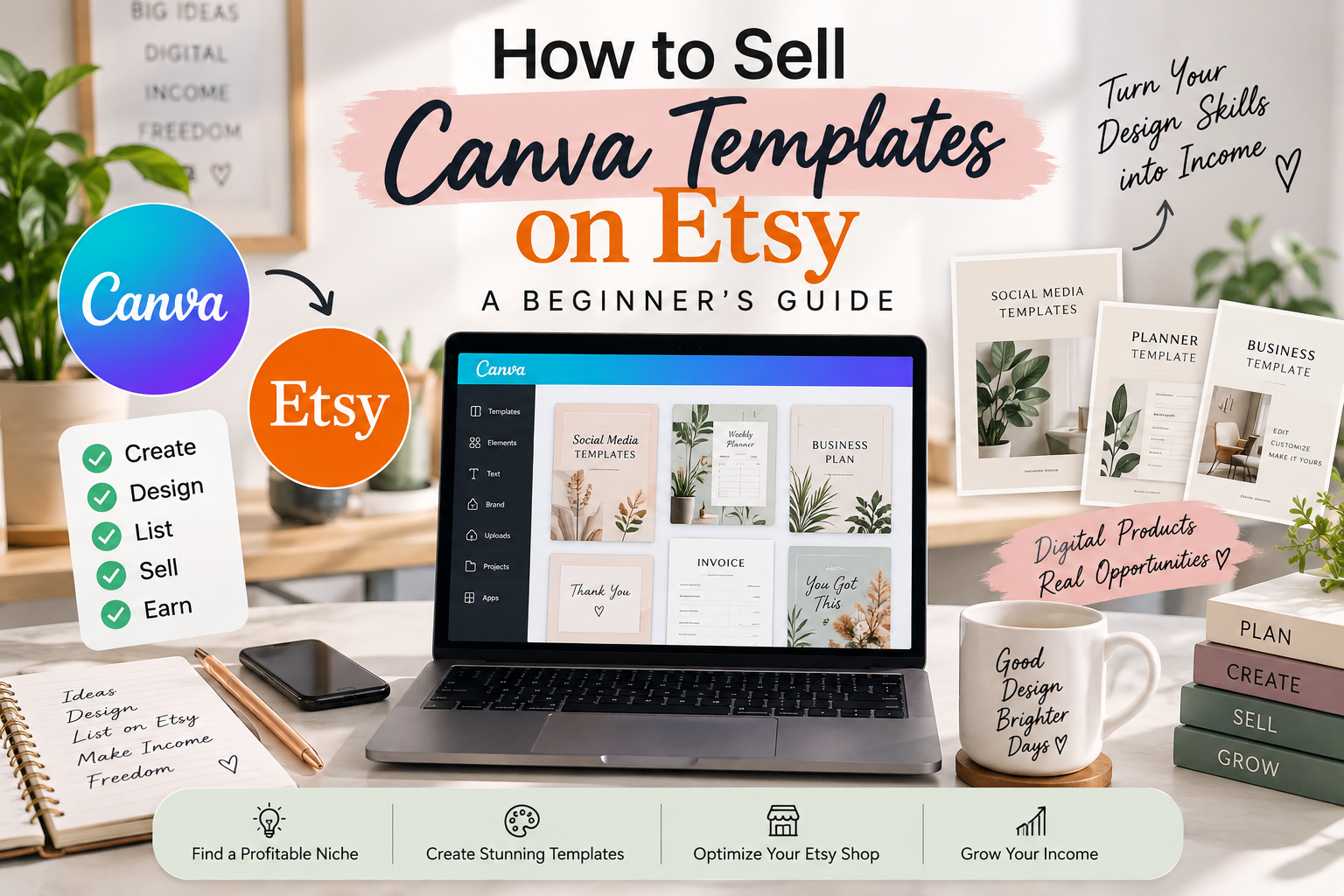
Learn how to sell Canva templates on Etsy step by step. Discover template ideas, Etsy SEO tips, pricing strategies, delivery methods, and important Canva licensing considerations.
How to Sell Canva Templates on Etsy: A Beginner’s Guide
Selling Canva templates on Etsy can be a practical way to turn your design skills into digital products. If you're completely new to digital products, you can first learn what a digital product is and how digital products work.
But creating a template is only one part of the process. To build a successful Etsy listing, you also need to choose the right niche, create a useful product, prepare a simple delivery system, optimize your listing for Etsy search, and make sure your use of Canva content follows the applicable license terms.
In this guide, you'll learn how to sell Canva templates on Etsy from idea research to publishing and promoting your first listing.
What Are Canva Templates?
Canva templates are pre-designed layouts that customers can customize in Canva. They can include social media posts, resumes, planners, invitations, presentations, business documents, worksheets, ebooks, media kits, and many other types of digital designs.
The value of a template is not simply its appearance. A good template saves the customer time and gives them an organized starting point that they can personalize.
Can You Sell Canva Templates on Etsy?
Etsy allows sellers to offer original designs as digital downloads. Etsy's current guidance states that digital items listed in a shop must be made and/or designed by the seller.
That means you should create your own original product rather than simply copying someone else's template or uploading another creator's work. Etsy also has intellectual-property rules that sellers need to follow.
Canva has its own content licensing rules as well. The exact permissions can depend on whether your design uses Free Content, Pro Content, Branded Content, or other restricted content. Always check the current Canva Content License Agreement before publishing templates for sale.
Read Etsy's guidance on what sellers can sell
Check Canva's Content License Agreement
What Canva Templates Can You Sell on Etsy?
There are many possible template categories, but beginners should avoid designing random products without first understanding the customer they are trying to serve.
If you're new to Canva, you can follow our step-by-step tutorial on creating and selling digital products on Etsy using Canva before creating your first template.
- Social media templates
- Instagram post and story templates
- Resume and CV templates
- Business planner templates
- Budget planner templates
- Wedding invitation templates
- Birthday invitation templates
- Media kit templates
- Real estate marketing templates
- Small business templates
- Price list templates
- Presentation templates
- Workbook and ebook templates
- Content planner templates
- Lead magnet templates
Instead of targeting everyone, consider creating a template for a specific customer. For example, instead of a generic Instagram template bundle, you could create Instagram templates specifically for photographers, coaches, real estate agents, beauty businesses, or restaurants.
How to Find a Canva Template Niche
Before opening Canva, spend some time researching what people are already searching for. Our guide on how to find best-selling digital products on Etsy can also help you understand product research and Etsy trends.
1. Start With Etsy Search
Enter a broad phrase such as Canva templates, Instagram templates, resume template, or wedding invitation template into Etsy's search bar.
Pay attention to the suggestions that appear and then investigate specific product categories.
2. Look for Specific Customer Problems
A template becomes more useful when it solves a recognizable problem.
For example:
- A social media content pack for a real estate agent
- A price list template for a beauty salon
- A media kit for a content creator
- A resume template for a recent graduate
- A content planner for a small business owner
If you are looking for more product opportunities, explore our digital product ideas for beginners to find additional products you could create and sell online.
3. Research Competition
Search your potential product on Etsy and examine the existing listings. Look at the product type, presentation, number of pages, style, customer reviews, and the problems customers mention.
The goal isn't to copy existing products. Instead, use the research to identify opportunities to create something more useful, clearer, or more specialized.
How to Create Canva Templates to Sell on Etsy
Step 1: Choose Your Product
Decide exactly what you're selling and who it is for.
Step 2: Create the Design in Canva
Build the template with customization in mind. Keep the layout organized and make important elements easy for the buyer to edit.
Step 3: Check Every Page
Before publishing, check spelling, alignment, fonts, links, image quality, page sizes, and editable elements.
Step 4: Check Canva Licensing
This step is important if your template uses Canva library content. Canva's current licensing terms distinguish between Free Content and Pro Content, and some types of content have additional restrictions.
For example, Canva's current license provides additional permissions for Free Content in templates intended for distribution or sale, while designs containing Pro Content are subject to different restrictions. Check the current license rather than assuming that every Canva element can be resold in every form.
How to Deliver a Canva Template on Etsy
One common approach is to create a PDF delivery file that contains instructions and the customer's Canva template link.
The PDF can include:
- A thank-you message
- A button or clickable link to the Canva template
- Simple instructions for opening the template
- Instructions for making a copy and editing it
- Basic troubleshooting information
- Contact information for customer support
Always test the buyer experience yourself before publishing the listing. Open the delivery file and test the template link to make sure it works as expected.
How to Optimize Canva Templates for Etsy SEO
Etsy search uses multiple parts of a listing to determine whether it matches a shopper's query. Etsy specifically recommends using relevant titles, tags, categories and attributes, while its current guidance recommends using all 13 tags and making them varied and natural.
Use Specific Keywords
Instead of relying only on a broad phrase such as Canva template, combine the product type with the audience or use case.
Examples include:
- real estate Canva template
- Instagram templates for coaches
- editable wedding invitation
- small business price list
- photography media kit
Use All Relevant Etsy Tags
Etsy currently provides 13 tag opportunities per listing. Use relevant multi-word phrases and avoid filling tags with unrelated keywords simply because they have search volume.
Write a Clear Description
Explain what the buyer receives, who the product is for, what can be edited, how the template is accessed, and what software or account is required.
How Much Should You Charge for Canva Templates?
There is no single correct price for every Canva template. Pricing can depend on the product type, number of pages or designs, niche, quality, included bonuses, and the amount of work required to create the product.
Instead of choosing a price only by looking at the cheapest competitors, compare products with similar features and presentation.
You can also create different product levels:
- Single template
- Small template bundle
- Complete template pack
- Premium bundle with bonus resources
How to Create Better Etsy Product Images
Your product images should quickly communicate what the customer is buying.
Consider showing:
- The complete template collection
- Several individual pages
- Important features
- Editable areas
- Different ways the template can be used
- What is included in the purchase
Don't make the customer guess what they will receive.
Common Mistakes When Selling Canva Templates on Etsy
- Creating products without researching the niche
- Copying another seller's design
- Using restricted or improperly licensed content
- Writing vague Etsy titles
- Ignoring Etsy tags and attributes
- Using poor-quality mockups
- Failing to test the template link
- Not explaining how customers access the product
- Creating templates that are difficult to edit
- Uploading a product without checking the complete buyer experience
Final Checklist Before Publishing
- ☐ Product solves a specific customer need
- ☐ Design has been checked for spelling and layout errors
- ☐ Canva content licensing has been reviewed
- ☐ Template link has been tested
- ☐ Delivery PDF has been tested
- ☐ Etsy title clearly describes the product
- ☐ All relevant tags have been added
- ☐ Relevant category and attributes have been selected
- ☐ Product images clearly show what is included
- ☐ Description explains the product and delivery process
Final Thoughts
Selling Canva templates on Etsy involves more than making attractive designs. The strongest foundation is a useful product, a clearly defined customer, accurate listing information, effective Etsy SEO, a simple delivery process, and careful attention to licensing.
Start with one focused product rather than trying to build a huge shop immediately. Research the market, create a useful template, test the entire buyer experience, and use what you learn to improve your next listing.
If you're completely new to Canva templates, continue with our step-by-step tutorial on how to create and sell Canva templates on Etsy.
Read the step-by-step Canva Templates on Etsy Tutorial →
Related Reading
- How to Create a Canva Template, Step by Step — design the template you are about to sell.
- How to Create and Sell Canva Templates on Etsy (Tutorial) — the hands-on tutorial version of this guide.
- How to Price Digital Products — get your template pricing right before you list.