Canva Tutorials
How to Create Clipart Shirt Designs in Canva With ChatGPT: HD 300 DPI Etsy Tutorial
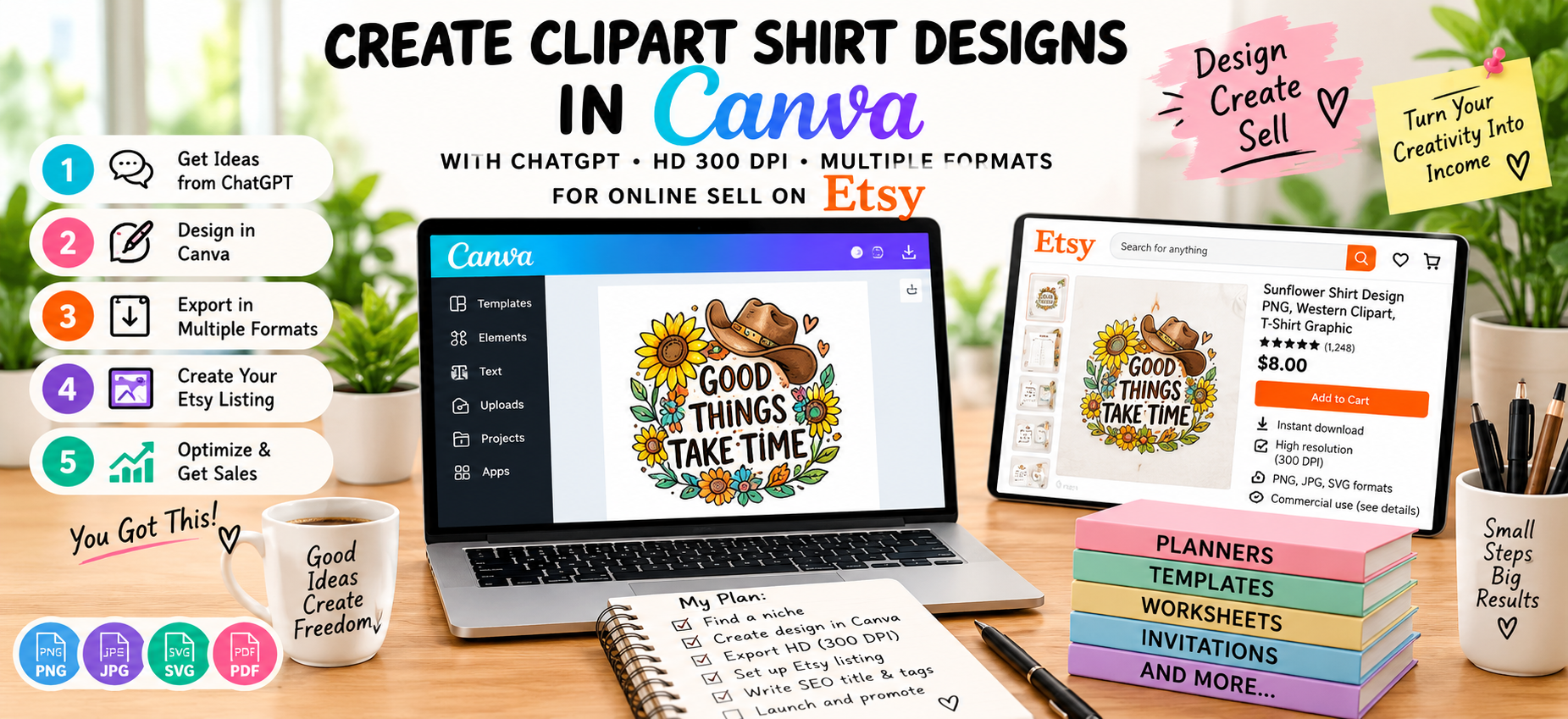
Learn how to create professional clipart shirt designs with ChatGPT and Canva, prepare HD 300 DPI artwork, export multiple formats, and sell your digital designs on Etsy.
Creating unique clipart shirt designs no longer requires expensive graphic design software or years of professional design experience. With ChatGPT and Canva, you can develop design ideas, create artwork concepts, arrange typography, prepare high-resolution files, and build digital products that are ready for online selling.
In this step-by-step tutorial, you'll learn how to create HD shirt designs in Canva with the help of ChatGPT, prepare your artwork for print, understand the relationship between pixel dimensions and 300 DPI, export different file formats, and prepare your designs for selling as digital downloads on Etsy.
If you're completely new to digital products, first learn what a digital product is, the different types, and how digital products work.
What You Will Learn
- How to find a profitable shirt design idea
- How to use ChatGPT for shirt design concepts and prompts
- How to create an original design workflow with Canva
- How to choose the correct canvas size
- How to prepare artwork for approximately 300 DPI print quality
- How to create transparent PNG shirt graphics
- How to prepare JPG and SVG versions where appropriate
- How to organize files for Etsy customers
- How to create Etsy listing images and mockups
- How to optimize your Etsy title, description and tags
- How to package your designs as individual products or bundles
Why Create Clipart Shirt Designs as Digital Products?
Digital graphics are one category of digital products that can include clipart, SVG files, digital illustrations, patterns, icons and other creative assets. These products can be delivered as downloadable files instead of physical products. Learn more about digital product types and examples here.
A shirt graphic can be sold as a digital download that customers use for personal projects, crafting, sublimation, apparel design or other permitted uses, depending on the license you provide.
For Etsy sellers, the important part is to create an original product, prepare the files professionally, describe exactly what the customer receives, and follow the marketplace and asset-license requirements.
Step 1: Choose a Shirt Design Niche
Before opening Canva, decide what type of customer you want to create for. A specific niche makes it easier to develop relevant designs and keywords.
For example, instead of creating a generic "cute shirt design," you could create designs around:
- Camping and outdoor themes
- Gardening
- Book lovers
- Teachers
- Pet lovers
- Farmhouse and rustic themes
- Funny family sayings
- Seasonal holidays
- Summer and beach themes
- Country and western themes
- Food and coffee lovers
- Hobby-based designs
Choose a specific audience and then create several related designs. This can eventually allow you to turn individual designs into a larger themed bundle.
Step 2: Research Etsy Before Designing
Don't spend hours creating a design before understanding what shoppers are searching for. Search Etsy for phrases related to your niche and study the marketplace.
Look at:
- Popular search phrases
- Design styles
- Color combinations
- Typography styles
- Product thumbnails
- Number of designs included in bundles
- Available file formats
- Customer reviews
- Common customer questions
The goal isn't to copy another seller. Instead, research helps you understand the market and identify opportunities to create something original.
For a broader digital-product research strategy, see our guide on how to create and sell digital products on Etsy using Canva.
Step 3: Use ChatGPT to Develop Your Design Concept
ChatGPT can be useful before you start designing because it can help you brainstorm themes, slogans, visual elements, target audiences, color ideas and product variations.
For example, you can give ChatGPT a prompt like this:
Create 20 original t-shirt design concepts for the gardening niche.

Target audience: women who love gardening
Style: cozy rustic farmhouse
Mood: cheerful and warm
Colors: earthy green, cream, brown and muted yellow

For each concept provide:
1. Short shirt phrase
2. Main visual concept
3. Supporting clipart elements
4. Suggested typography style
5. Suggested color palette
6. Etsy keyword ideas

Avoid copyrighted characters, logos, trademarks and recognizable brand references.
This gives you a list of concepts that you can evaluate before creating the final artwork.
Step 4: Turn the Idea Into a Detailed Design Prompt
Once you choose an idea, ask ChatGPT to turn it into a detailed visual brief.
For example:
Create a detailed design brief for a t-shirt graphic based on this concept:

"Gardening is My Happy Place"

Style:
- vintage farmhouse
- hand-drawn botanical elements
- rustic typography
- cozy and cheerful
- suitable for a transparent background

Include:
- central illustration
- surrounding decorative elements
- typography arrangement
- recommended colors
- composition
- negative space
- print-friendly details

The final design should work well as a standalone shirt graphic and should not contain copyrighted characters, logos or trademarks.
You can then use the resulting design brief as your blueprint inside Canva.
Step 5: Decide Your Final Design Dimensions
For shirt graphics, one practical high-resolution working canvas is 4500 × 5400 pixels. At a physical size of 15 × 18 inches, that corresponds to 300 pixels per inch.
The important concept is that DPI is connected to physical print dimensions and pixel dimensions. Simply writing "300 DPI" in a product description does not automatically make a low-resolution image high resolution.
A useful calculation is:
Pixel Width = Physical Width in Inches × DPI

Pixel Height = Physical Height in Inches × DPI
For example:
- 15 inches × 300 DPI = 4500 pixels
- 18 inches × 300 DPI = 5400 pixels
Therefore, a 4500 × 5400 pixel design can provide approximately 15 × 18 inches of print resolution at 300 PPI.
Important: Canva's export interface and file metadata can vary. Don't claim that every Canva PNG is automatically tagged as 300 DPI. Instead, provide the correct pixel dimensions and explain the intended physical print size.
Step 6: Create the Design in Canva
Open Canva and create a new custom-size design using your chosen dimensions.
For a large shirt graphic, you can start with:
- Width: 4500 px
- Height: 5400 px
- Background: Transparent when supported by your export workflow
Build the design using your own composition, typography, layout, shapes and artwork. Keep the central message readable and avoid placing important elements too close to the edges.
Suggested Shirt Design Structure
- Large central illustration
- Main phrase or typography
- Small decorative elements
- Secondary text if necessary
- Balanced negative space
- Consistent color palette
Try to make the design recognizable even when viewed as a small Etsy thumbnail.
Step 7: Add Clipart Elements Carefully
Clipart can transform a simple phrase into a complete shirt graphic. Depending on your theme, you might use flowers, leaves, stars, tools, animals, food illustrations, camping objects, seasonal decorations or other visual elements.
However, you need to pay close attention to licensing. Canva's commercial-use rules depend on the type of content being used, and Canva's current guidance states that its library content should not simply be extracted and resold as standalone content. Always review the current Canva license before selling downloadable graphics.
Your safest workflow is to create a genuinely original composition and ensure that every asset you use is permitted for your intended commercial use.
Step 8: Use ChatGPT to Improve the Design
After creating your first version, you can return to ChatGPT and ask for design feedback.
For example:
Review this t-shirt design concept from an Etsy customer's perspective.

Evaluate:
- readability
- visual hierarchy
- typography
- color balance
- niche relevance
- thumbnail visibility
- print suitability
- whether the design feels too crowded

Give me specific improvements I can make in Canva without copying another designer's work.
You can then make the suggested changes manually in Canva.
Step 9: Create Multiple Design Variations
One concept can become several related products without simply duplicating the same artwork.
For example, you could create:
- Light shirt version
- Dark shirt version
- Vintage color version
- Minimal version
- Text-focused version
- Illustration-focused version
- Seasonal variation
Make sure each variation provides genuine value rather than being a minimally changed duplicate.
Step 10: Prepare a Transparent PNG
For shirt graphics, a transparent PNG is one of the most useful delivery formats because the customer can place the artwork on different shirt colors without a rectangular background.
Before exporting, check:
- The background is transparent.
- There are no unwanted white boxes.
- The artwork is sharp.
- The text is readable.
- There are no spelling mistakes.
- No design element is accidentally cropped.
- The final dimensions are correct.
Export the artwork as a high-resolution PNG with transparency when your Canva plan and export options support it.
Step 11: Prepare JPG, SVG and Other Formats
Different customers may need different file types, so you can consider offering a multi-format package where the licensing and source assets allow it.
PNG
PNG is particularly useful for transparent shirt graphics and sublimation workflows.
JPG
JPG can be useful for preview images or designs where a solid background is appropriate. It does not support transparent backgrounds.
SVG
SVG is a vector format that can be useful for compatible cutting and design workflows. However, don't assume that every Canva element can legally be redistributed as a standalone SVG. Check the applicable Canva license and only provide SVG files when your artwork and workflow permit it.
A PDF can be useful for customer instructions, license information, or printable products, but it isn't normally a replacement for a transparent PNG when the buyer specifically wants a shirt graphic.
Step 12: Organize Your Download Package
A professional digital product should be easy for the customer to understand.
You could organize a shirt-design bundle like this:
Garden-Shirt-Design/
│
├── PNG/
│   ├── garden-design-01.png
│   └── garden-design-02.png
│
├── JPG/
│   ├── garden-design-01.jpg
│   └── garden-design-02.jpg
│
├── SVG/
│   └── garden-design.svg
│
├── LICENSE.txt
└── READ-ME.pdf
Only include formats and files that you are legally permitted to distribute.
Step 13: Create a Read-Me File
A simple instruction file can reduce customer questions.
Include information such as:
- What files are included
- File dimensions
- Recommended applications
- How to unzip the package
- How to use the PNG
- How to access any included files
- License restrictions
- Customer support information
Clearly explain whether customers can use the design for personal projects, physical products, small-business commercial products, or other uses. Don't give customers rights that you don't actually have.
Step 14: Create Etsy Listing Mockups
Your actual digital file is only part of the Etsy listing. You also need attractive product images that communicate what customers receive.
Create several listing images showing:
- The complete design
- The design on a t-shirt mockup
- Close-up details
- Included file formats
- Pixel dimensions
- Transparent-background preview
- Number of designs included
- Example uses
- Important license information
Keep the first image simple and easy to understand because shoppers need to recognize the product quickly.
Step 15: Create Your Etsy Product Title
Your title should accurately describe the product and naturally include relevant search phrases.
For example:
Gardening Shirt PNG, Garden Clipart Design, Funny Gardener Shirt Graphic, Sublimation PNG, High Resolution T-Shirt Design
Avoid adding unrelated keywords simply because they receive searches. Every keyword should accurately represent the product.
Step 16: Choose Relevant Etsy Tags
Potential keyword ideas for a gardening shirt graphic could include:
- gardening shirt png
- gardener shirt design
- garden clipart
- shirt png
- sublimation png
- tshirt design
- gardening gift
- garden lover
- flower shirt png
- botanical shirt
- printable shirt art
- digital shirt design
- high resolution png
Always adapt your final keywords to the actual design rather than using every keyword on every listing.
Step 17: Write a Clear Etsy Description
Your description should tell customers exactly what they're buying.
Include:
- What the design is
- Number of files included
- File formats
- Resolution and dimensions
- Background type
- Compatible uses
- Download instructions
- License terms
- Important restrictions
For example, your description can explain that the product is a digital download and that no physical shirt is shipped.
Step 18: Prepare Your Etsy Digital Files
Etsy supports digital listings, including instant-download products. Etsy's current guidance also states that digital items listed by a seller must be made and/or designed by that seller. Etsy's current instant-download limits should also be checked when packaging larger bundles.
If your files are too large or numerous for the listing's current limits, organize the permitted files appropriately and provide clear instructions for customers.
Step 19: Create a Bundle to Increase Product Value
Once you have several related shirt graphics, consider creating a themed bundle.
For example:
- 10 Gardening Shirt PNG Designs
- 20 Camping Shirt Designs
- 25 Funny Coffee Shirt Graphics
- 30 Rustic Farmhouse Shirt Designs
- 50 Seasonal Shirt Design Bundle
A bundle should contain genuinely useful designs and clearly state exactly what is included.
Step 20: Use ChatGPT for Etsy Listing SEO
ChatGPT can also help organize your listing copy. Give it the actual design details and ask it to generate title ideas, descriptions and keyword variations.
Try this prompt:
Create an Etsy SEO package for this digital shirt design.

Product:
[describe the design]

Target customer:
[describe audience]

Files included:
PNG, JPG and [other permitted formats]

Dimensions:
4500 × 5400 pixels

Create:
1. 5 Etsy title ideas
2. 13 relevant Etsy tag ideas
3. A detailed Etsy description
4. A short product summary
5. 10 relevant long-tail keyword ideas

Use natural language. Do not use misleading, unrelated, copyrighted or trademarked keywords.
Step 21: Test Your Final Files Before Publishing
Before uploading the product, test every file yourself.
- Open every PNG.
- Check the transparent background.
- Zoom into the artwork.
- Check spelling.
- Check the dimensions.
- Open JPG versions.
- Test SVG files if included.
- Open the ZIP package.
- Read your instruction file.
- Check your license information.
- Review every Etsy listing image.
Testing the complete customer experience can prevent avoidable delivery and support problems.
Step 22: Promote Your Etsy Shirt Designs
Publishing a product is only the beginning. You can promote your designs through content and social platforms that are relevant to your audience.
- YouTube
- Short-form videos
- Blog posts
- Email newsletters
- Your own website
You can create content around topics such as "How to Make a Shirt Design in Canva," "Best File Formats for Shirt Designs," or "How to Prepare PNG Designs for Sublimation."
Can You Sell the Same Digital Products on Gumroad?
Depending on your product rights and platform requirements, you can also consider using additional sales channels. Gumroad can be useful for creators who want to sell digital products through direct links and their own audience.
You can explore the provided Gumroad storefront here: Gumroad Digital Products.
If you're comparing marketplaces and direct digital-product storefronts, read our guide: Etsy vs Gumroad: Best-Selling Digital Products & Trends in 2027.
Common Mistakes to Avoid
1. Starting Without Research
Creating a beautiful design doesn't guarantee that customers are searching for it. Research your niche before spending significant time designing.
2. Copying Existing Designs
Don't copy another seller's artwork, composition, illustrations, slogans or branding. Use market research to understand demand, then create your own original concept.
3. Treating 300 DPI as a Magic Setting
300 DPI doesn't automatically make an image high quality. Pixel dimensions, physical print size and the quality of the original artwork all matter.
4. Selling Canva Elements as Standalone Clipart
Don't simply download Canva library elements and repackage them as your own clipart collection. Canva's licensing terms place restrictions on standalone redistribution of its content.
5. Using Trademarks in Keywords
Avoid using brand names, copyrighted characters, sports logos or other protected intellectual property simply because those terms receive Etsy searches.
6. Uploading Only One Preview Image
Give shoppers enough visual information to understand what they're purchasing, including file formats, dimensions, design examples and important product information.
7. Forgetting the Customer's License
Tell customers exactly what they can and cannot do with your files. A clear license can make your product more professional and reduce confusion.
ChatGPT + Canva Shirt Design Workflow
The entire process can be simplified into this workflow:
- Choose a specific shirt-design niche.
- Research Etsy search terms and competing products.
- Use ChatGPT to brainstorm original concepts.
- Choose your strongest design idea.
- Ask ChatGPT to create a detailed design brief.
- Create the artwork and composition in Canva.
- Use permitted assets and check licensing.
- Build the design at appropriate high-resolution dimensions.
- Prepare a transparent PNG.
- Create other permitted formats such as JPG or SVG.
- Check the files at full resolution.
- Create product mockups.
- Write an SEO-friendly Etsy title.
- Create relevant tags.
- Write a detailed product description.
- Package the files professionally.
- Upload the digital product to Etsy.
- Test the customer download experience.
- Promote the product through content and social media.
- Analyze performance and improve future designs.
Final Checklist Before Selling
- ☐ Design is original
- ☐ Design fits a clearly defined niche
- ☐ Artwork is high resolution
- ☐ Pixel dimensions are appropriate for intended print size
- ☐ Transparent PNG has been tested
- ☐ Additional formats have been checked
- ☐ All included assets are commercially permitted
- ☐ No unauthorized trademarks or copyrighted characters are included
- ☐ Product files are organized
- ☐ License information is included
- ☐ Etsy title accurately describes the product
- ☐ Etsy tags are relevant
- ☐ Listing description explains exactly what customers receive
- ☐ Product mockups clearly show the design
- ☐ Digital-download information is clear
Conclusion
Creating clipart shirt designs with ChatGPT and Canva can be a straightforward workflow when you separate the process into research, concept development, design, file preparation and marketing.
ChatGPT can help you generate ideas, organize design briefs and develop SEO copy, while Canva can be used to build and prepare the visual design. The key is to create original artwork, use commercially permitted assets, prepare appropriate high-resolution files, and give customers clear information about what they're purchasing.
If you're building a complete digital-product business, our guide on creating and selling digital products on Etsy with Canva covers the wider process from product research to publishing and promotion.
You can also learn the fundamentals of digital products in our guide to digital product types and examples, or compare Etsy and Gumroad in our Etsy vs Gumroad guide.
Start with one niche, create a small collection of original designs, prepare your files professionally, and improve your listings based on customer feedback and marketplace data.
Related Reading
- How to Create a Canva Template, Step by Step — turn your designs into sellable Canva templates.
- How to Create and Sell Digital Products on Etsy Using Canva — sell your designs as digital products on Etsy.