Blog
Why Your Digital Product Isn't Selling (9 Fixes)
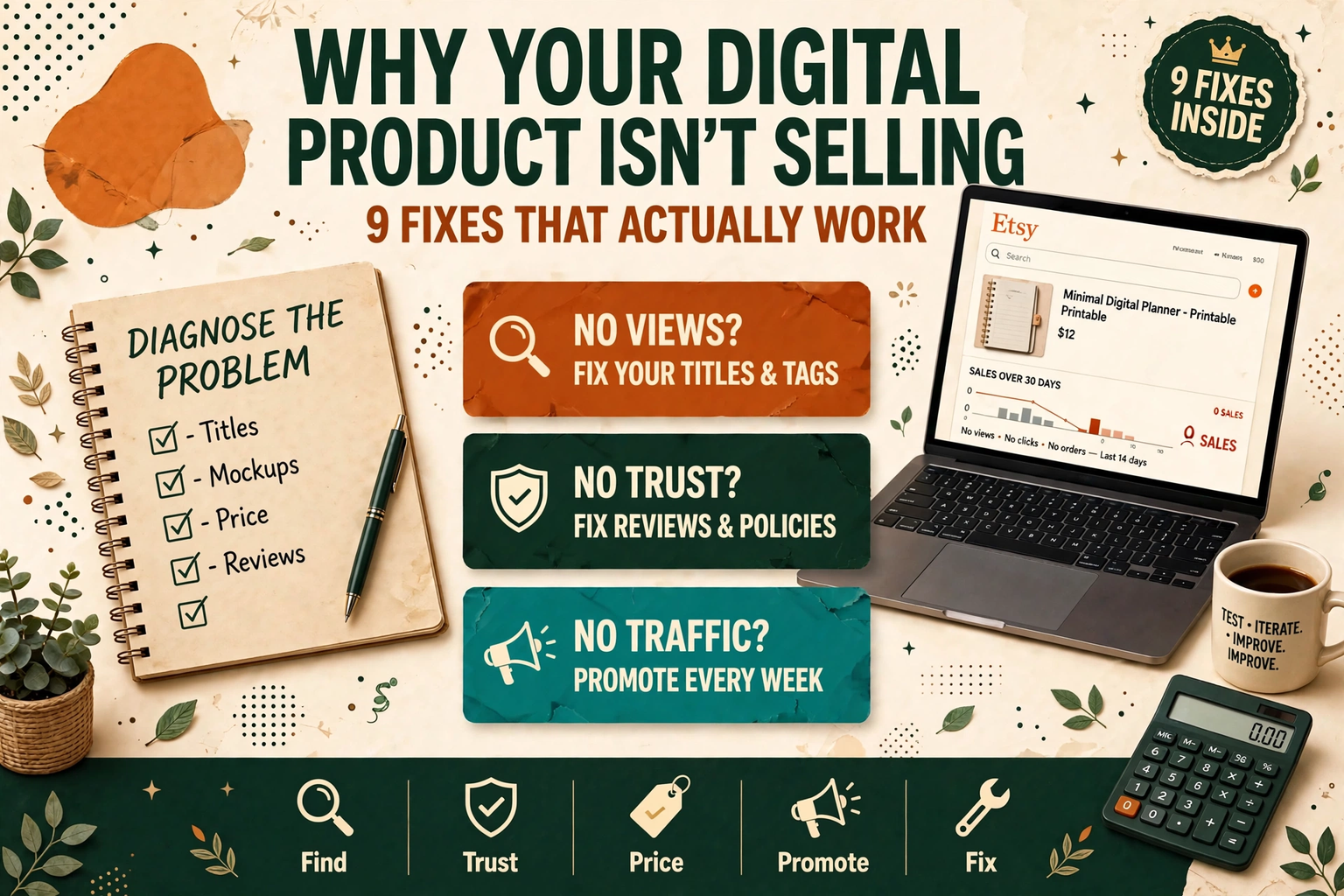
No sales on your digital product? Here are the 9 most common reasons beginners don't sell — and the exact fix for each one.
First, the Hard Truth: a Product That Does Not Sell Is Not Always a Bad Product
You built something useful, listed it, and waited. Days passed. Then weeks. Zero sales — or a couple of sales and then silence. The instinct is to blame the product and start building something else. Resist that instinct. In most cases, a digital product that does not sell has a fixable problem in one of four places: people cannot find it, people do not trust it, people do not understand what it does, or nobody is being shown it at all.
This post walks through the nine most common reasons beginner sellers get no sales, in the order you should check them. Work through them one by one. Most of the fixes take under an hour, and you only need to find the one or two that apply to you.
The 60-Second Diagnosis
Before you change anything, look at your numbers. They tell you exactly where the problem is.
| What you see | What it usually means | Fix to try first |
|---|---|---|
| Almost no views on the listing | Nobody can find it, or nobody is being shown it | Fix 1 and Fix 7 |
| Views but no favourites or carts | The listing does not convince buyers | Fix 2, Fix 3 and Fix 4 |
| Favourites and carts but no purchases | Price, trust, or a missing answer is stopping the sale | Fix 3, Fix 4 and Fix 8 |
| Sales, then nothing for weeks | No repeat traffic and no reviews working for you | Fix 7 and Fix 8 |
If you do not have these numbers, check your platform's stats page now — Etsy, Gumroad, and your own site all show views. Guessing without numbers is how sellers "fix" the wrong thing for months.
Fix 1: Nobody Can Find Your Listing
The most common reason a good product does not sell is the simplest: buyers never see it. On Etsy, your listing competes with thousands of similar ones, and the search results are decided by the words in your title, tags, and first lines of description — not by how good the product is.
Search for the exact phrase a buyer would type, for example "weekly budget planner printable" or "teacher lesson plan template". If your listing does not appear on the first three pages, it is effectively invisible. Fix it by putting that exact phrase at the start of your title, using all 13 Etsy tags (or the equivalent keywords on Gumroad), and repeating the key phrase naturally in the first sentence of your description. Do not use clever or cute titles — buyers search for plain words.
Also check that you are not competing against yourself. If you have two listings with almost the same title and keywords, they split each other's traffic. Give each listing one distinct search phrase to own.
Fix 2: Your Mockups Do Not Show the Result
Buyers cannot hold a digital product, so your listing images have to do the selling. A flat screenshot of a PDF page tells a buyer almost nothing. What they want to see is the product in use: the planner open on a tablet, the worksheet printed on a desk, the template filled in with realistic example content.
Use your first image for the product at its best — clean, in context, with the result visible. Use the remaining images to answer questions: what is inside, what sizes are included, how it looks printed, and what the buyer actually receives. If your images look like a file preview, the buyer scrolls past. Our free guide to creating mockups for Etsy listings in Canva shows how to make professional-looking mockups without paid software.
Fix 3: Your Price Is Wrong — in Either Direction
Price too high and buyers skip you for a cheaper option. Price too low and buyers assume the product is poor quality — or you earn so little per sale that no amount of traffic is worth it. Both directions kill sales, and beginners usually guess instead of checking.
Look at the five best-selling products most similar to yours. Your price should sit in the same range: typically $5–$15 for a small printable or template and $15–$35 for a bundle. If your product includes more than the top sellers, price slightly above them; if it includes less, price slightly below. Never price at $1 or $2 to "get sales" — it attracts the wrong buyers and trains the platform's algorithm that your product is a bargain-bin item. For the full method, including fees and pricing psychology, read how to price digital products before you change your price.
Fix 4: Your Description Does Not Answer the Buyer's Questions
A buyer decides in about 30 seconds. If your description is two sentences and a "thanks for visiting" line, you have not answered the questions that stop them from buying: What exactly is included? What format and size is it? How do I receive it? What do I need to use it? Is this a physical item?
Rewrite your description to cover those five answers in order, then add a short FAQ inside the listing for the two questions every buyer asks: "Is this a physical item?" (No — it is an instant download) and "Can I get a refund?" (state your policy plainly). A description that answers questions is a description that converts; a description that just describes the file is not.
Fix 5: You Are Selling to "Everyone"
"A planner for busy people" is not a product for a buyer — it is a product for nobody in particular. Buyers search for their specific situation: a budget planner for freelancers, a lesson planner for new teachers, a meal planner for a family of four. When your listing speaks to one specific buyer, that buyer recognises themselves in it and buys. When it speaks to everyone, nobody feels it was made for them.
Narrow your title, your images, and your description to one buyer. A budget planner aimed at freelancers with irregular income will outsell a generic budget planner every time, even if the pages inside are nearly the same. If you need ideas for a specific audience, our 15 digital product ideas for teachers and educators shows how one audience can support a whole product line.
Fix 6: The Product Solves a Problem Nobody Has
Sometimes the product really is the problem — not because it is badly made, but because nobody is looking for it. A beautiful template for a problem nobody has will not sell, however good the design is.
Check before you rebuild: search your product idea on Etsy and Gumroad. If similar products exist with hundreds of sales and recent reviews, demand is proven and your problem is elsewhere on this list. If nothing similar exists at all, be honest with yourself — it may mean there is no demand, not that you found an untapped goldmine. And if similar products exist but every review complains about the same missing feature, that gap is your opportunity: build the version that fixes it. For a reminder of which categories buyers already search for, see our guide to the best-selling digital products on Etsy in 2027.
Fix 7: You Published and Waited
Publishing is not launching. A brand-new listing has no reviews, no sales history, and no ranking — the platform has no reason to show it to anyone. Sellers who get sales in their first week almost always bring their own traffic.
Share the product where your buyers already are: a Pinterest pin linking to the listing, a short video showing the product in use, a post in a group where your buyer hangs out, or an email to people who already follow you. You do not need a big audience — ten real people seeing the listing beats a thousand people never finding it. And keep sharing: one post on launch day is not a traffic strategy. Repeat the promotion weekly with a different angle — a different page from the product, a different use case, a different buyer.
Fix 8: There Is No Reason to Trust You Yet
Buyers trust sellers with reviews, clear policies, and a shop that looks alive. A shop with one listing, no reviews, no profile photo, and a blank "About" section asks a stranger to take a risk on an unknown seller — and most will not.
Fix the trust signals in this order: fill in your shop profile and policies completely, add a short "About" note saying who the product is for, and get your first reviews honestly — offer the first ten buyers a launch discount or a small bonus in exchange for an honest review, and ask friends who genuinely use the product to leave one. Early reviews matter more than early profit: they are what convince the next buyer. Our 14-day product launch checklist includes the exact steps for getting those first reviews without breaking platform rules.
Fix 9: The Product Is Hard to Use
This is the silent killer. A buyer downloads your planner, clicks a hyperlink that goes nowhere, finds the file is the wrong size for their printer, or cannot open the format at all — and they leave a bad review or ask for a refund instead of buying again. Worse, they tell no one, so you never learn the product was broken.
Test the full buyer journey yourself: buy or preview your own listing, download the files on a phone and on a computer, print one page, and click every link. Check that the file names are clear, the sizes match what the listing promises (A4 or US Letter for printables), and any Canva template link actually opens as an editable copy. If you sell on more than one platform, test the download on each one — delivery works differently on Etsy and Gumroad, and our tutorial on how to deliver a digital download on Gumroad and Etsy covers the differences.
What to Do This Week
Do not try to fix all nine at once. Pick the fix that matches your diagnosis table result and do it today, then give it a week before judging the result — search rankings and traffic take days to respond, not hours.
- Check your stats and find your row in the diagnosis table.
- Apply the matching fix, and only that fix, so you know what worked.
- Share the listing somewhere new at least twice this week.
- Recheck your numbers after seven days. If views rose but sales did not, move to the next fix on the list.
Most beginner shops do not need a new product. They need one listing that can be found, understood, trusted, and bought — and a little traffic pointed at it. Fix those, and the product you already built finally gets its chance.
Frequently Asked Questions
How long should I wait before deciding a product is not selling?
Give a listing at least 30 days with real traffic before judging it. A listing with almost no views has not been tested yet — it has not been seen. Fix the visibility and traffic problems first, then judge the product on what buyers do once they actually find it.
Should I lower my price if I have no sales?
Not as a first step. Check your views first: if nobody is seeing the listing, a lower price changes nothing. If you have steady views and favourites but no purchases, then price is worth testing — try a small change, such as 20% lower, and compare for two weeks.
Is it better to make a new product or fix the one I have?
Fix the one you have. A new product in a shop with the same listing, pricing, and traffic problems will fail the same way. Once one listing sells steadily, you know the system works — then new products have a real chance.
How many sales do I need before a listing starts ranking?
There is no fixed number, but the pattern is consistent: a handful of early sales plus a few reviews is usually enough for a platform to start showing the listing more. That is why the first ten sales matter so much — they are not just income, they are the fuel for everything after them.
Can one bad review stop all sales?
One honest bad review rarely kills a listing, especially if you reply to it politely and fix the problem it describes. What does kill sales is a pattern of the same complaint — usually a broken link, a wrong size, or a misleading image. Treat a bad review as a free product audit and fix the cause.