Etsy Digital Products
How to Sell Canva Templates on Etsy: A Beginner's Guide
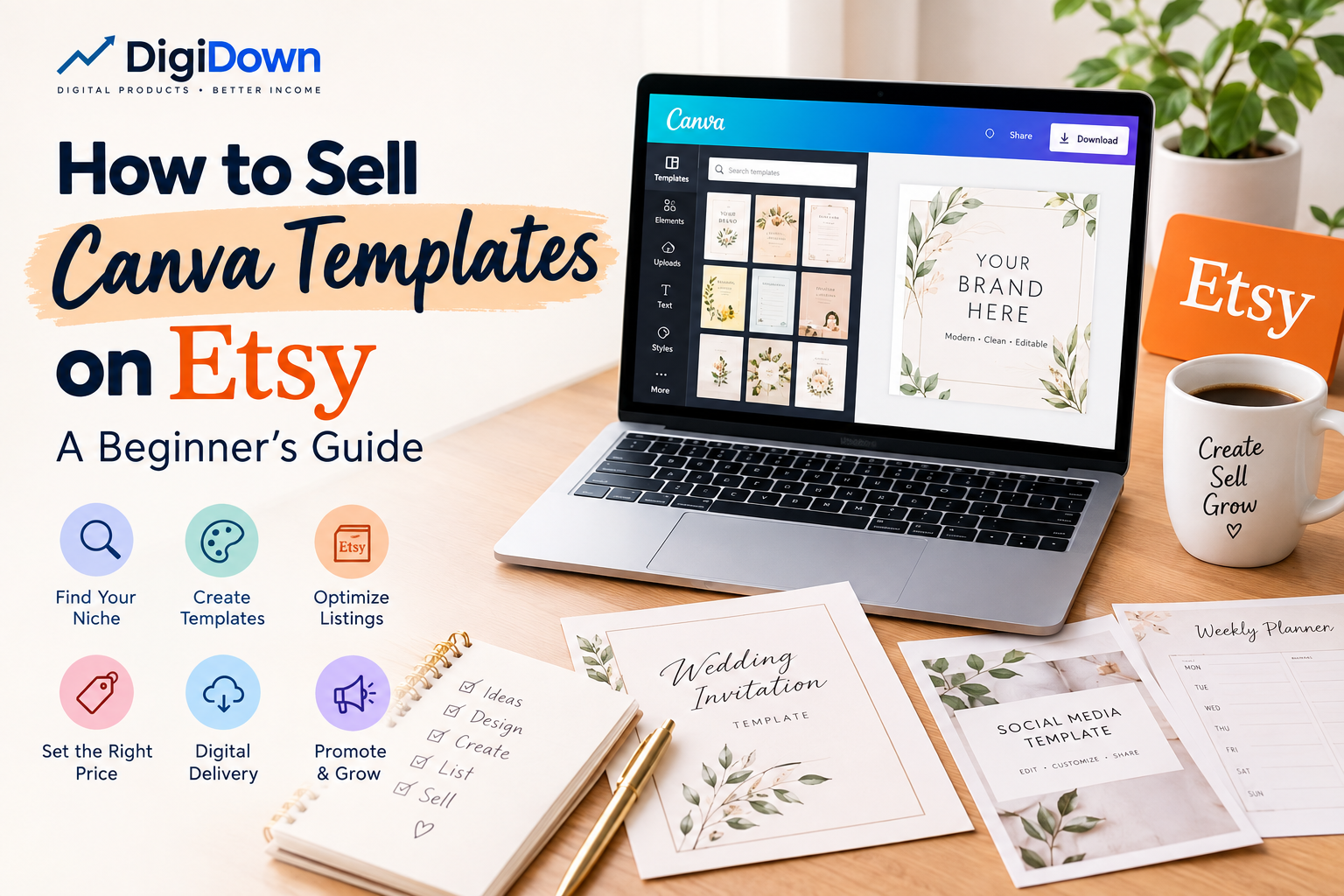
Learn how to sell Canva templates on Etsy with this beginner-friendly guide covering niche research, template creation, Etsy SEO, pricing, digital delivery, and promotion.
Selling Canva templates on Etsy can be a practical way to build a digital product business without dealing with inventory, packaging, or shipping. With Canva, you can create editable designs that customers can customize for their own needs, while Etsy provides a marketplace where digital products can be listed and sold.
If you're wondering how to sell Canva templates on Etsy, this guide explains the process from choosing a product idea to creating, listing, pricing, delivering, and promoting your templates.
If you're new to digital products, you can also read our guide on how to create and sell digital products on Etsy using Canva for a broader overview of the process.
What Are Canva Templates?
Canva templates are pre-designed files that customers can edit using Canva. Instead of creating a design from scratch, buyers receive an editable template and customize elements such as text, colors, images, and other editable features.
Popular Canva template products include:
- Wedding invitations
- Birthday invitations
- Social media templates
- Business cards
- Resume templates
- Media kits
- Planner pages
- Instagram posts
- Pinterest pins
- Presentation templates
- Printable worksheets
- Event signs and decorations
The key advantage is that one digital template can be sold repeatedly without creating a new physical product for every customer.
Can You Sell Canva Templates on Etsy?
Yes, Canva templates can be sold on Etsy, but sellers need to make sure their products comply with both Etsy's policies and Canva's licensing terms.
Your template should provide genuine value through your own design work, layout, customization, or original content. You should also check the current licensing rules for any Canva elements, fonts, photos, or graphics included in your product.
Before publishing a listing, review the current policies that apply to your specific type of digital product.
How to Sell Canva Templates on Etsy
The basic process is straightforward:
- Choose a specific template niche.
- Research what buyers are looking for.
- Create an original Canva template.
- Prepare clear instructions for customers.
- Create professional listing images.
- Write an SEO-friendly Etsy listing.
- Upload the digital delivery file.
- Publish and promote the product.
- Monitor views, clicks, and sales.
- Improve the listing based on customer and search data.
1. Choose a Specific Canva Template Niche
Don't start by creating random templates. Choose a specific customer and problem first.
For example, instead of creating a general social media template, you could create:
- Instagram templates for beauty businesses
- Pinterest templates for bloggers
- Real estate social media templates
- Wedding invitation templates
- Teacher worksheet templates
- Small business price-list templates
A specific product makes it easier to understand your target customer and write a relevant Etsy listing.
2. Research Demand Before Creating the Product
Before spending hours designing a template, research similar products on Etsy.
Look at:
- Product titles
- Listing thumbnails
- Prices
- Number of reviews
- Product variations
- Common design styles
- Frequently mentioned customer needs
The purpose of research isn't to copy another seller. Instead, identify opportunities to create something useful and distinct.
For a broader look at digital product categories and platform differences, see our guide to Etsy vs Gumroad and best-selling digital products.
3. Create Your Canva Template
Once you've chosen your product, create the design in Canva.
Focus on usability as much as appearance. A beautiful template that is difficult to edit can create a poor customer experience.
If you need help creating the actual template, follow our detailed step-by-step Canva template tutorial.
Make sure:
- Text is easy to edit.
- Fonts are readable.
- Important elements are properly aligned.
- Colors have sufficient contrast.
- Instructions are easy to understand.
- The design works in the intended size or format.
- Customers know which parts they can customize.
4. Make the Template Easy for Customers to Use
A customer should not have to figure out how your product works.
Include a simple instruction PDF explaining:
- How to access the template.
- How to open it in Canva.
- How to edit the design.
- How to download the finished file.
- Where to get help if they experience a problem.
If your product contains multiple templates, explain what each file or page is for.
5. Create Professional Etsy Listing Images
Your listing images are one of the most important parts of your Etsy product page.
Customers should understand what they are buying before they read the full description.
Consider creating images showing:
- The main template design
- Different template variations
- Editable areas
- Included pages or files
- Available sizes
- How the template works
- A short "What's Included" summary
Avoid making every image look identical. Each image should answer a different customer question.
6. Write an SEO-Friendly Etsy Listing
Your Etsy title should clearly describe the product and match the language potential customers use when searching.
For example:
Editable Wedding Invitation Template, Canva Wedding Invite, Minimalist Wedding Invitation, Printable Wedding Template
Your description should naturally explain:
- What the customer receives
- How the template works
- What can be edited
- File format
- Size or dimensions
- How delivery works
- Important usage information
Use relevant search terms naturally rather than repeating the same keyword throughout the listing.
7. Choose Relevant Etsy Tags
Etsy allows sellers to add tags to help describe their products.
Use tags that represent different ways a potential customer might search for the product.
For example, a wedding invitation template could use phrases related to:
- wedding invitation
- editable invitation
- Canva invitation
- printable invite
- minimalist wedding
- digital wedding invite
Don't use unrelated popular keywords simply because they have high search volume. Relevance is more important for attracting the right visitors.
8. Deliver the Canva Template Properly
Because Canva templates are digital products, your customer needs a convenient way to access the template.
A common approach is to provide a PDF containing a button or link that takes the customer to the Canva template.
The delivery PDF can include:
Your Canva Template
Click the button below to open your editable template.
[EDIT TEMPLATE IN CANVA]
Then include short instructions explaining what to do after opening the link.
Before publishing, test the customer delivery process yourself. Make sure the link works and that the customer receives the correct template.
9. Price Your Canva Template Carefully
There isn't one universal price that works for every Canva template.
Pricing can depend on:
- Number of pages
- Complexity of the design
- Number of variations
- Target audience
- Product quality
- Competition
- Whether the product is a single template or a bundle
A simple single-page template and a large business template bundle shouldn't necessarily have the same price.
Instead of competing only on price, focus on creating a product that clearly communicates its value.
If you're comparing platforms and considering selling the same type of digital product beyond Etsy, our Etsy vs Gumroad guide explains the main differences in discoverability, fees, product types, and marketing.
10. Promote Your Etsy Canva Templates
Publishing a listing doesn't guarantee that customers will immediately find it.
You can promote your products through platforms such as:
- TikTok
- Your own website or blog
- Email marketing
Pinterest can be particularly useful for visually oriented products such as invitations, printables, planners, and social media templates.
Create different pins that lead to relevant product pages rather than repeatedly publishing the exact same image.
Common Mistakes When Selling Canva Templates
Copying Other Sellers
Research is useful, but copying another seller's design, listing images, description, or branding can create problems.
Develop your own design style and product concept.
Creating Products Without Research
A product may look attractive but still have little demand. Research the market before investing significant time into a large template collection.
Poor Listing Images
If customers cannot understand what they're buying from your images, they may simply move on to another listing.
Complicated Instructions
Customers should be able to access and edit the template without unnecessary confusion.
Using Keywords That Don't Match the Product
High-volume keywords are not useful if they attract people who aren't looking for your product. Use specific, relevant search terms instead.
How Many Canva Templates Should You Sell?
You don't need hundreds of products before you can start.
A better approach is to build a focused collection around a specific niche.
For example, you could begin with:
- 5 wedding invitation templates
- 5 matching RSVP templates
- 5 wedding signage templates
- 5 thank-you card templates
These products can eventually become a related collection or bundle.
Once you understand which products receive impressions, clicks, favorites, and sales, you can use that information to decide what to create next.
Build Related Products Around Your Best Sellers
One successful template can become the starting point for an entire product cluster.
For example, if a wedding invitation performs well, you could create matching:
- RSVP cards
- Details cards
- Menu cards
- Welcome signs
- Thank-you cards
- Bridal shower invitations
This allows you to create products for customers who already have an interest in the same design style or event.
Final Thoughts
Learning how to sell Canva templates on Etsy is less about creating as many products as possible and more about understanding what customers need.
Start with a specific niche, research the market, create useful and original templates, make the customer experience simple, and optimize your Etsy listings over time.
If you haven't created your template yet, start with our complete Canva template creation tutorial.
If you're exploring different digital product platforms, our guide to Etsy vs Gumroad and digital product trends can help you understand the differences between the two platforms.
You can also explore our guide on how to create and sell digital products on Etsy using Canva for a broader workflow.
The goal isn't simply to upload templates. Build a focused collection that solves specific customer needs and gives buyers an easy, professional experience from purchase to download.
Quick Checklist
- Product idea researched
- Template is original
- Canva licensing requirements checked
- Template is easy to edit
- Instructions included
- Delivery link tested
- Listing images prepared
- SEO-friendly title written
- Relevant tags added
- Description clearly explains the product
- Pricing reviewed
- Product promoted through relevant channels